> For the complete documentation index, see [llms.txt](https://docs.m-xr.com/llms.txt). Markdown versions of documentation pages are available by appending `.md` to page URLs; this page is available as [Markdown](https://docs.m-xr.com/marso-measure/requirements/capture-requirements/light-sources.md).
# Light Sources
Follow this page to understand supported light sources for Marso Measure.
## Light Types
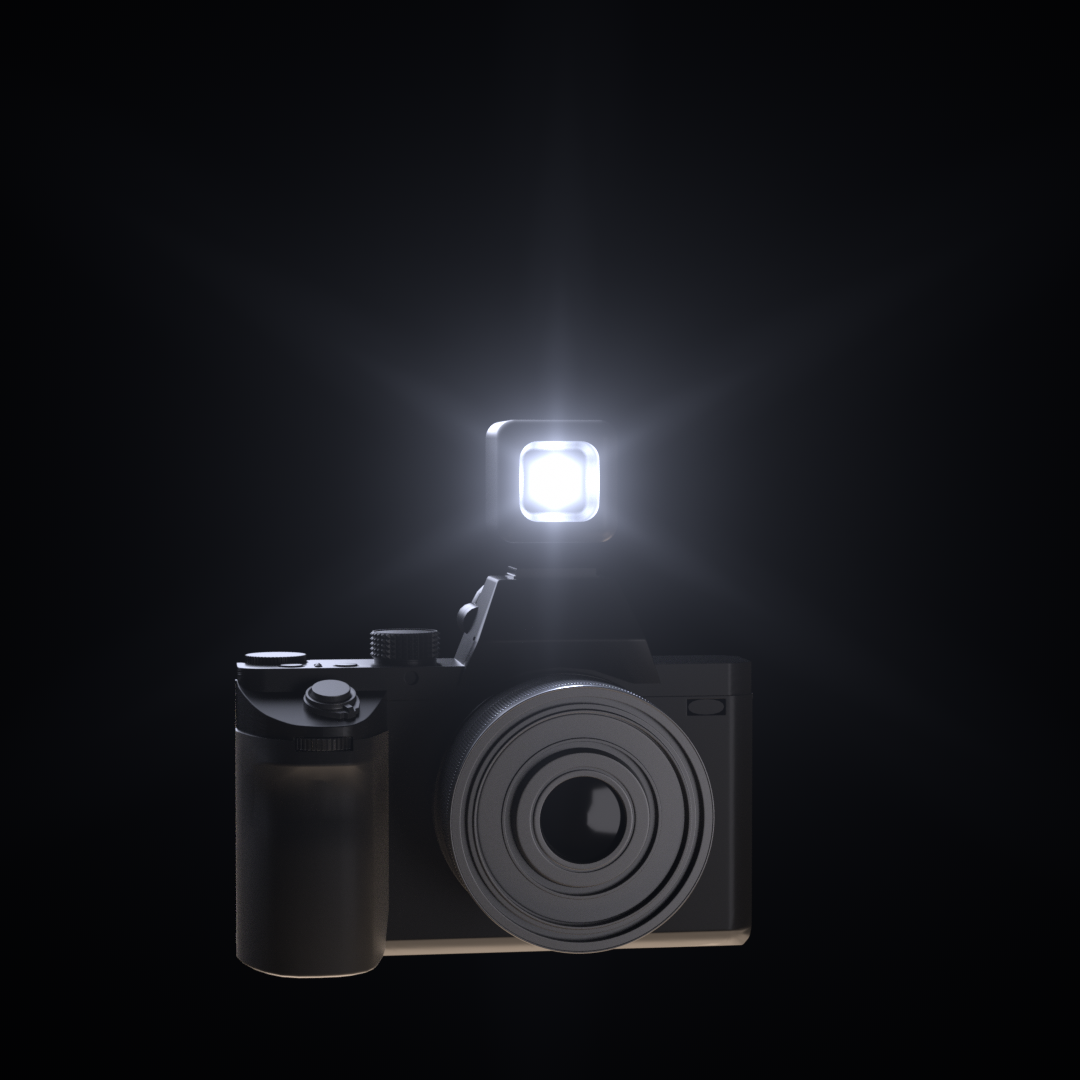
For best results, we recommend using as small of a light as possible. Sometimes this can be achieved by removing any diffusion or reflectors attached to an existing light fixture to expose just the bulb.
#### Supported Light Sources
{% tabs %}
{% tab title="Supported Lights" %}
* Point Light
* Built-in camera flash
* Single LED
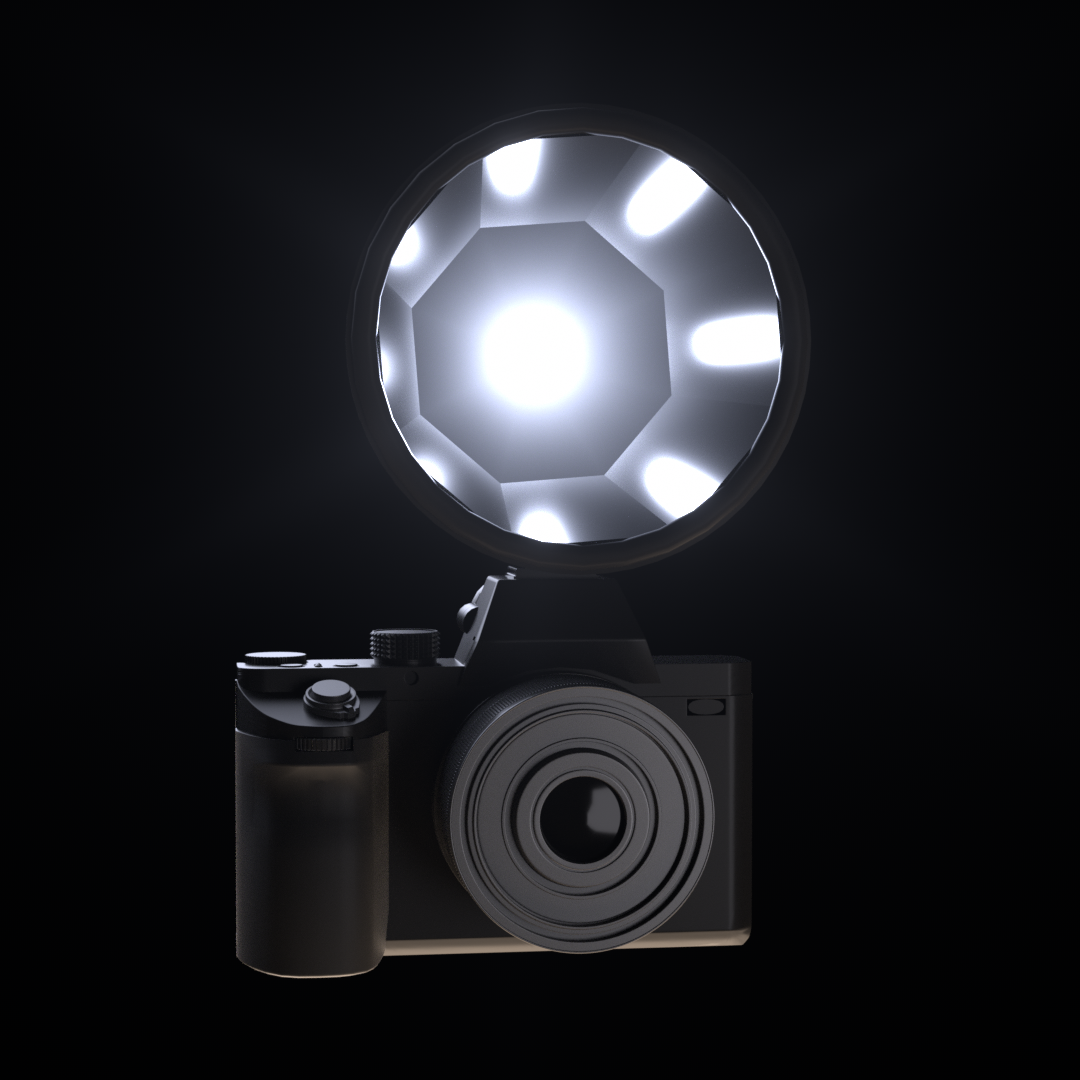
* Ring Flash
{% endtab %}
{% tab title="Not Supported" %}
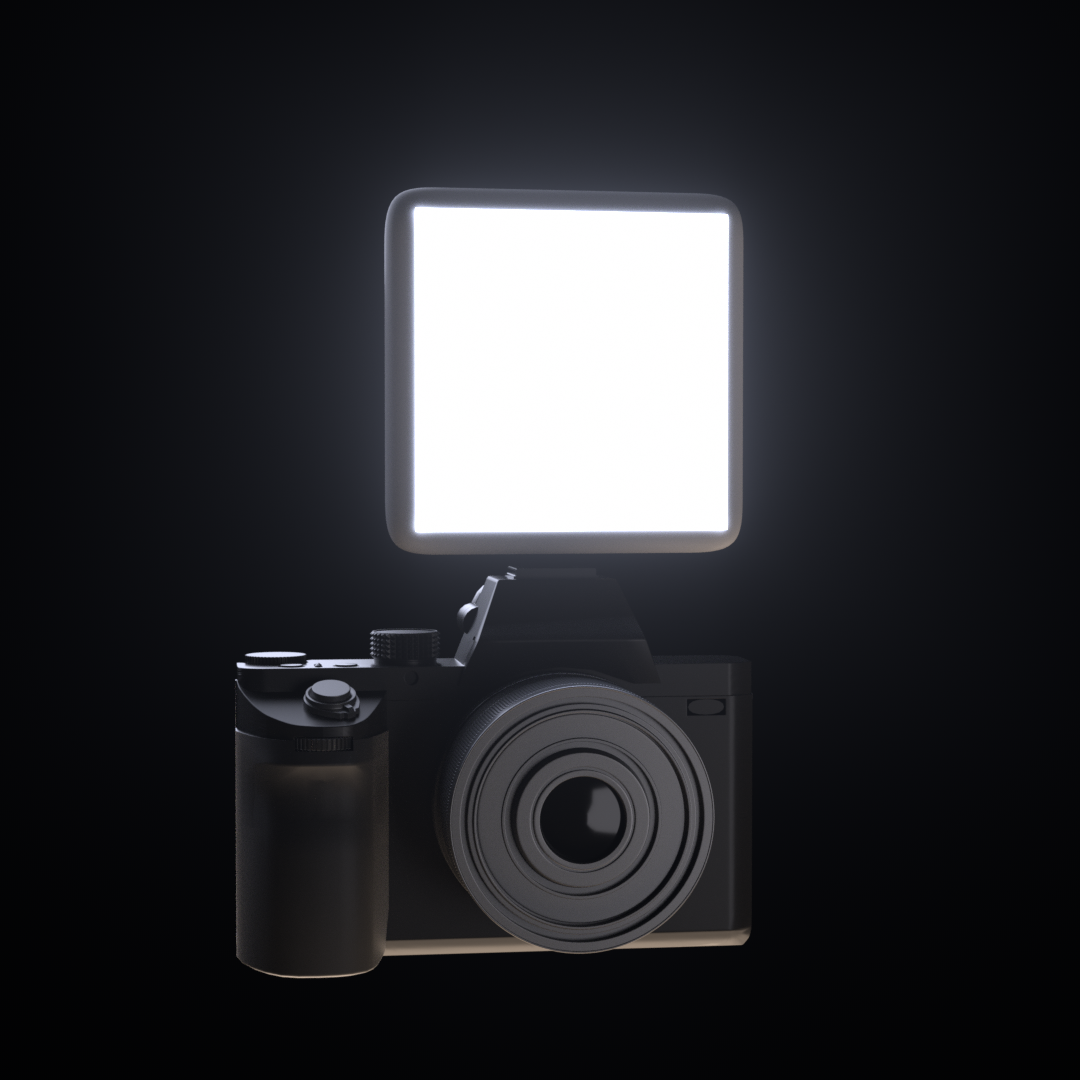
* Softboxes
* Umbrella lights
* Reflectors
* Polarisation Filters
{% endtab %}
{% endtabs %}
{% hint style="warning" %}
When using an external light source, it is important to place it as close to the camera sensor as possible. Increased distance between the light source and the camera sensor will decrease the quality of results.
{% endhint %}
***
### Using a Ring Flash
If you would like to use a ring light, it is important to ensure that the distance from the camera to the subject large is enough to minimise the subject blocking any part of the light from the visible surface of the subject.
Good Ring Flash Positions

Bad Ring Flash Position

***
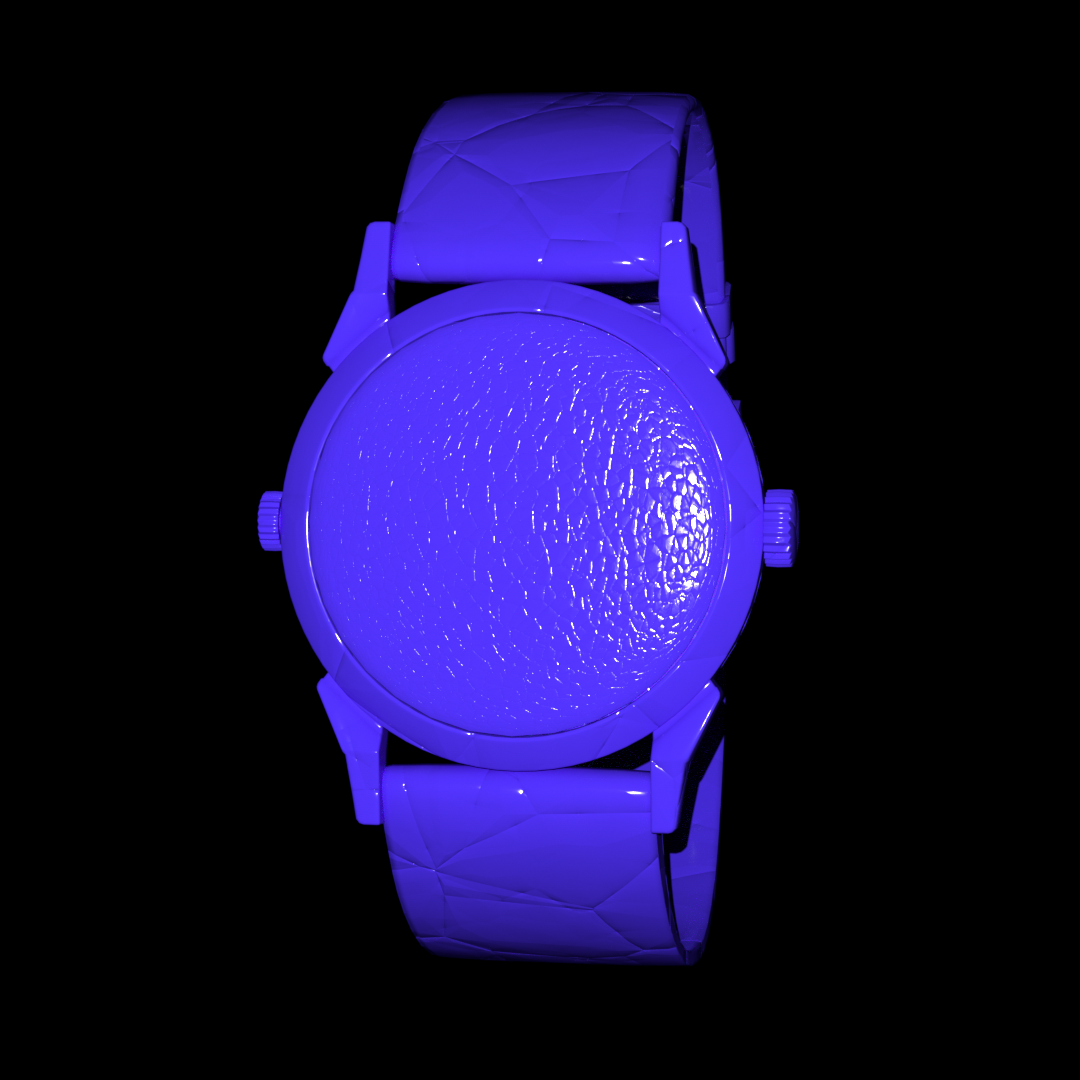
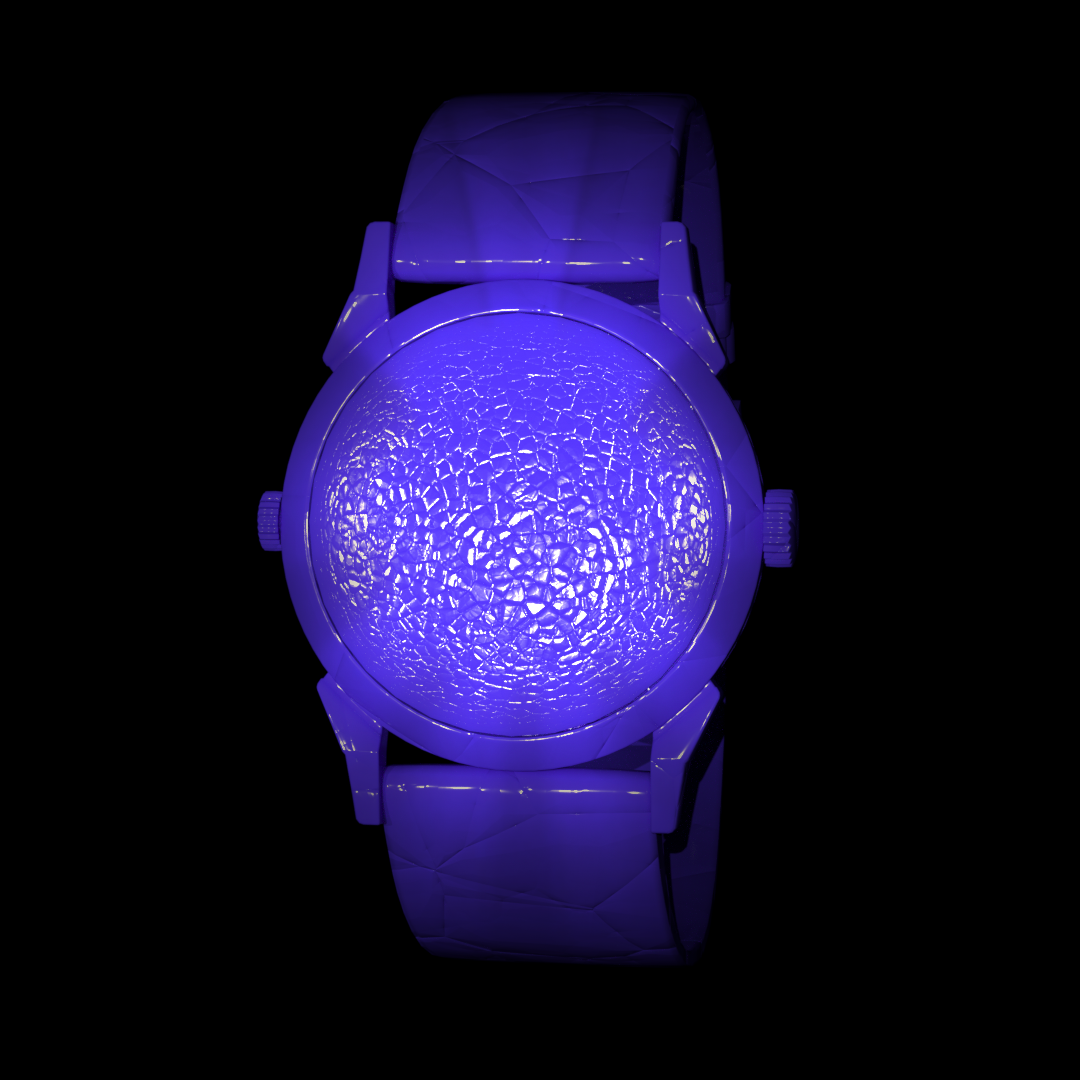
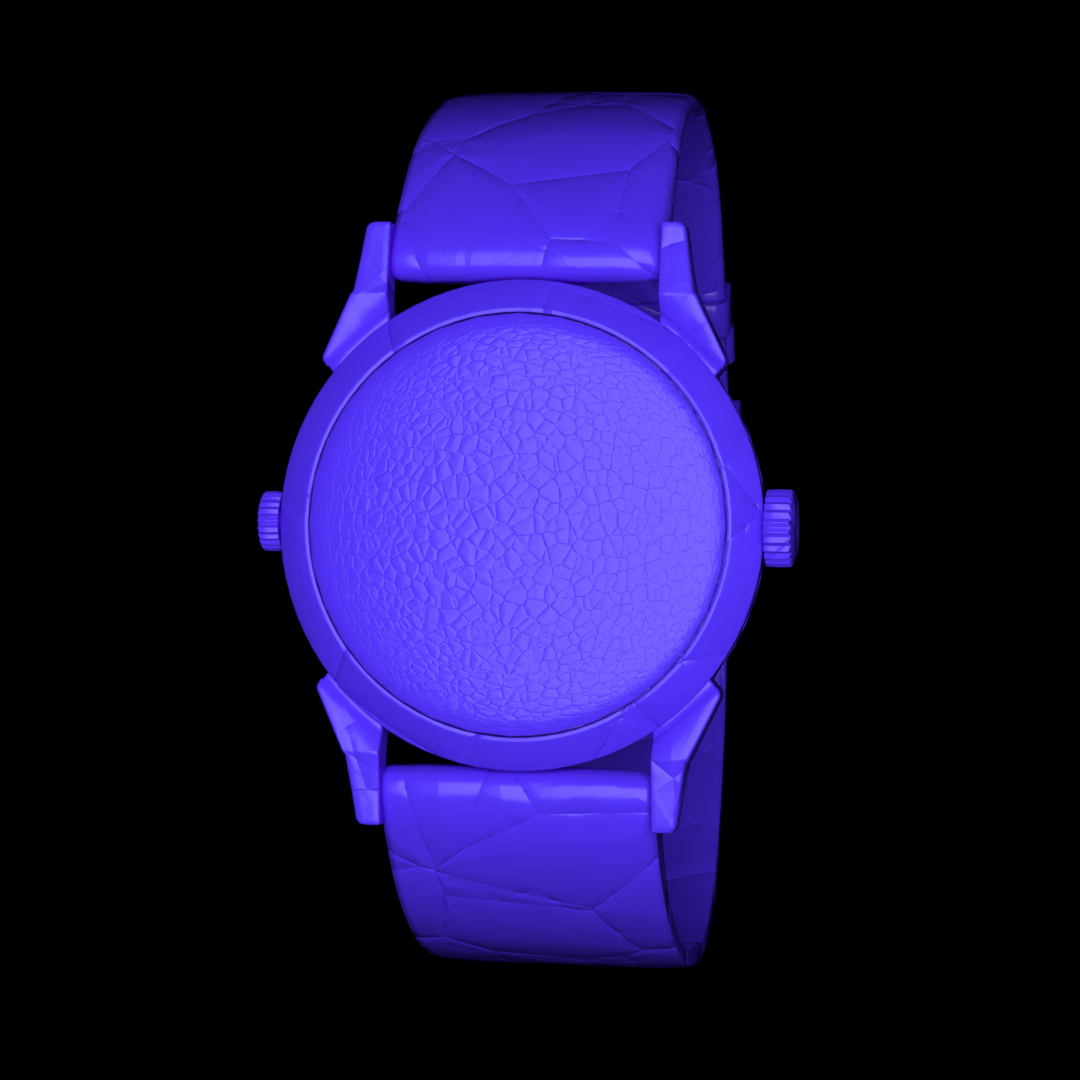
### Explore different light sources and their effects on an asset
Ideal Light Source
Not Compatible
Not Compatible
Small point light
Soft shadows
Large effective area
Crisp shadows
Irregular light falloff
Soft shadows
Sharp highlights
Variable Intensity
Soft / smooth reflections
***
## Light Placement
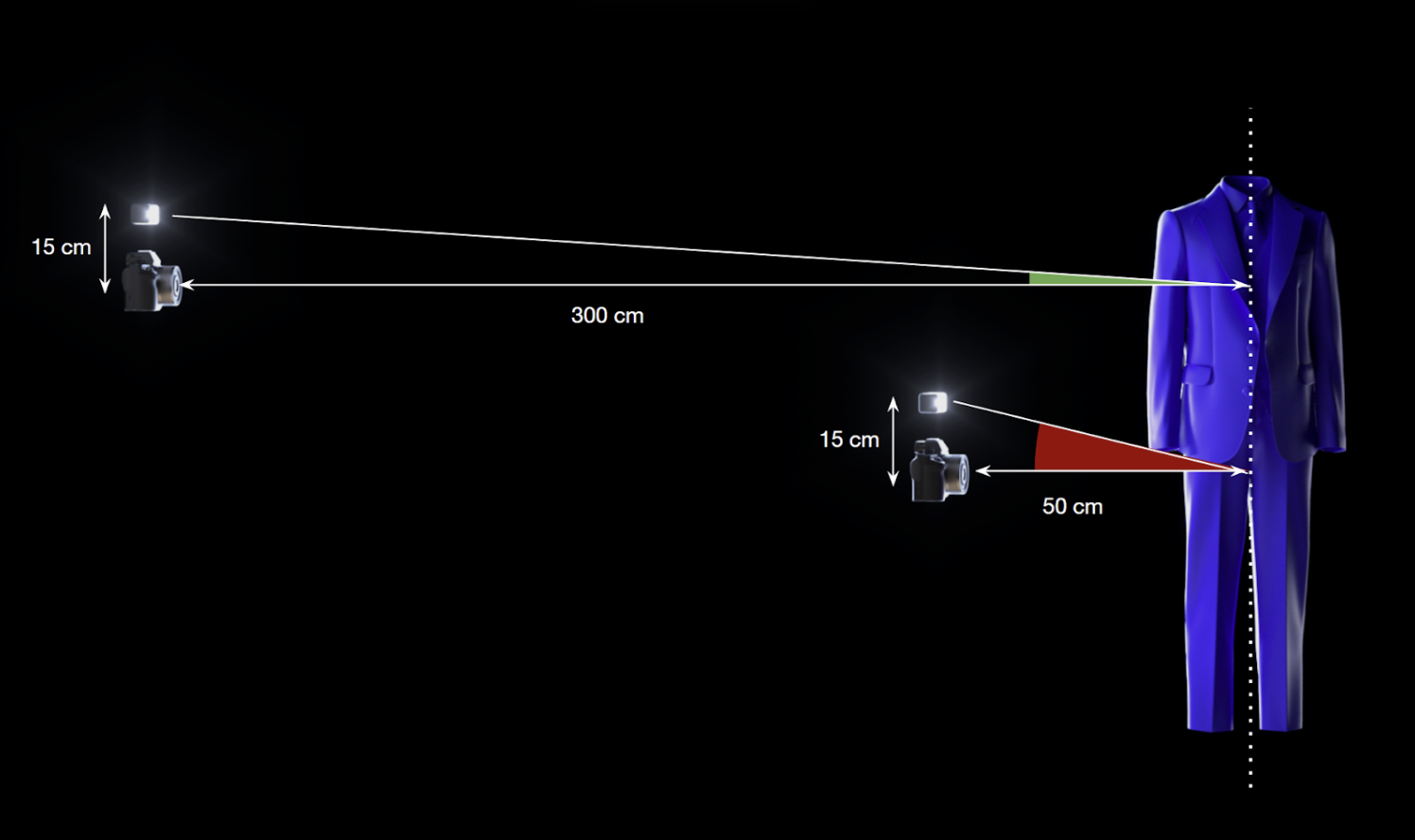
The closer a light is to the centre of the camera, the smaller the shadows will be in the source photography.
These shadows can interfere with the results from Marso Measure, making predictions worse.
As with the light size, this distance between a light and a camera is relative to the overall scale of the scene.
The closer the camera is to the subject, the greater the angle between the camera and light is at a point on the subject. Smaller angles will result in better results.
{% hint style="info" %}
We recommend an angle of 3° or less. For anything higher than 6.5°, you should use multiple lights
{% endhint %}
| Rig Size | Distance: Camera → Subject | Max Distance: Light → Camera |
| :------: | :------------------------: | :--------------------------: |
| Small | \~50 cm | 4.5 cm |
| Medium | \~100 cm | 9.5 cm |
| Large | \~150 cm | 14 cm |
---
# Agent Instructions
This documentation is published with GitBook. GitBook is the documentation platform designed so that both humans and AI agents can read, navigate, and reason over technical content effectively. Learn more at gitbook.com.
## Querying This Documentation
If you need additional information that is not directly available in this page, you can query the documentation dynamically by asking a question.
Perform an HTTP GET request on the current page URL with the `ask` query parameter, and the optional `goal` query parameter:
```
GET https://docs.m-xr.com/marso-measure/requirements/capture-requirements/light-sources.md?ask=&goal=
```
`ask` is the immediate question: it should be specific, self-contained, and written in natural language.
`goal` is optional and describes the broader end goal you are ultimately trying to accomplish on behalf of the user. GitBook uses it to tailor the answer towards what is most useful for that goal.
The response will contain a direct answer to the question and relevant excerpts and sources from the documentation.
Use this mechanism when the answer is not explicitly present in the current page, you need clarification or additional context, or you want to retrieve related documentation sections.